
Self-Hosted Virtual ToursSelf-hosted 3D virtual tours, delivered as files you host wherever you want.
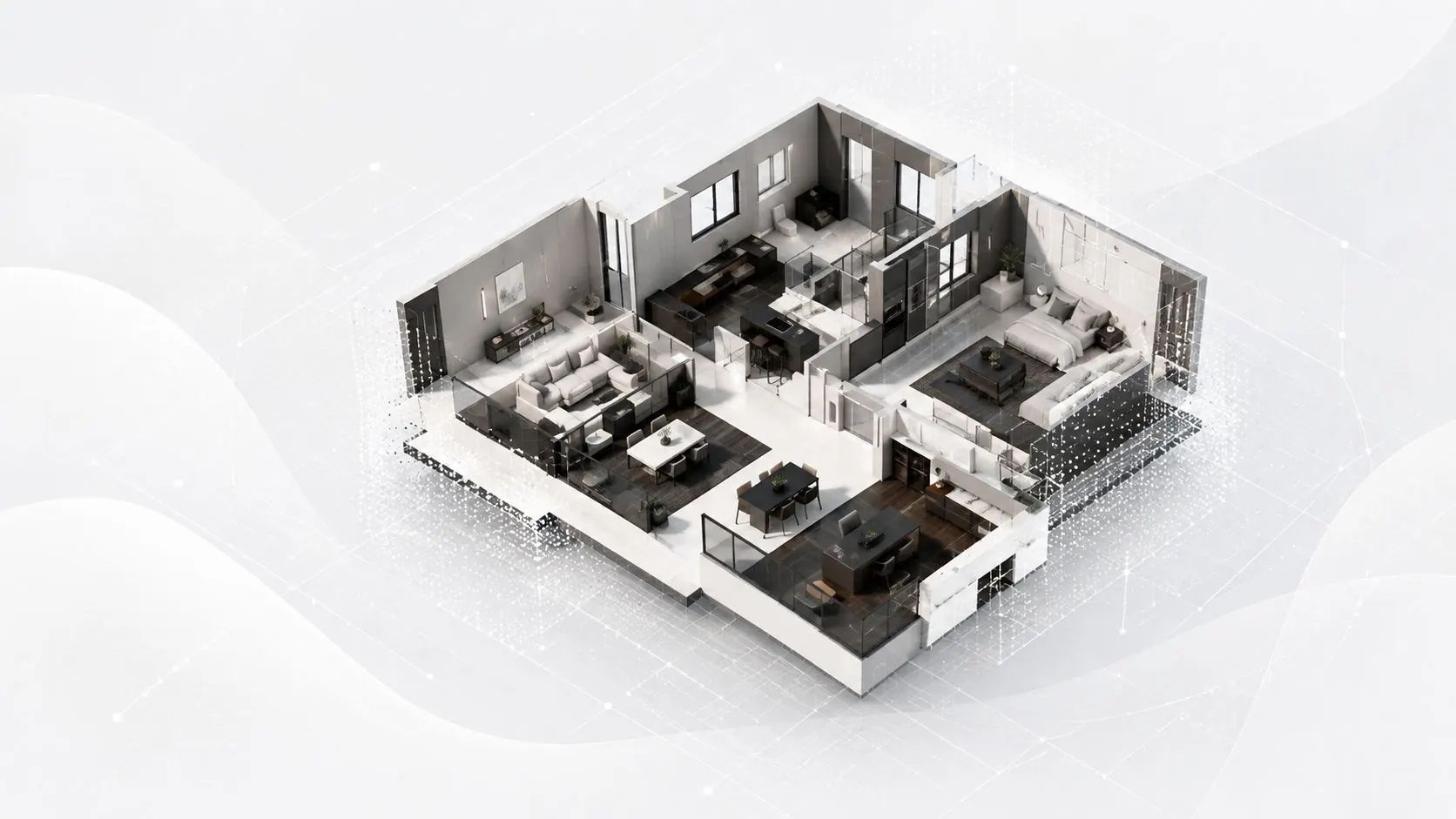
How it works
Three steps, nothing to install, no subscription: you pay for one tour and you walk away with its files.
- 1Step 1
You send your files
Upload your 360° panoramas or your Visites-virtuelles backup.
Four formats accepted: your 360° panoramas, or your own Visites-virtuelles capture — backup, share link, or both together.
- 2Step 2
You approve the quote
Get an instant quote, pay securely online.
The price is computed per panorama and shown in full before any payment — the estimator below uses the very same grid.
- 3Step 3
You collect the tour
Download your complete, standalone 3D tour: you own it.
A ZIP archive of static files with zero external dependencies, plus Windows, macOS and Linux launchers.
Accepted formats
Pricing
Estimate your tour
- Panoramas 1–25 (25 × €0.90)€22.50
- Panoramas 26–30 (5 × €0.70)€3.50
The multiplier applies to the subtotal and depends on the format you provide: the Visites-virtuelles backup is the reference (×1.00). Switch format above to see the difference in euros.
Computed with the grid below — the very same one your quote will use. The final quote is issued once your files arrive.
- Up to 25 panoramas€0.90 / panorama
- Up to 60 panoramas€0.70 / panorama
- Up to 100 panoramas€0.50 / panorama
- Up to 400 panoramas€0.40 / panorama
- 360° panoramas×1.15
- Visites-virtuelles backup (.zip)×1.00
- Visites-virtuelles URL×1.35
- URL + backup (hybrid)×1.25
Above 400 panoramas: quote on request.
Example tours
The same three properties, generated in all four formats: open them side by side and judge for yourself.
The four formats compared
| Criterion | URL + backup (hybrid)best rendering | Visites-virtuelles backup (.zip) | Visites-virtuelles URL | 360° panoramas |
|---|---|---|---|---|
| What you provide | Your share link AND your .zip backup. | Your Visites-virtuelles backup archive (.zip). | A share link to your own Visites-virtuelles space. | Your equirectangular 360° panoramas. |
| 3D geometry | the original point cloud: true-to-life measurements. | the original point cloud: true-to-life measurements. | Original positions + AI-estimated depth. | Rebuilt by photogrammetry + AI-estimated depth. |
| Colours | The original colour rendering. | Rebuilt from the raw shots inside the zip. | The original colour rendering. | Your photos as they are. |
| Dollhouse overview | Built on the original point cloud: crisp volumes. | Built on the original point cloud: crisp volumes. | Rebuilt from estimated depth: volumes approximate further out. | Rebuilt from estimated depth: volumes approximate further out. |
| True-to-scale measurements | Yes, at the scale of the original survey. | Yes, at the scale of the original survey. | Yes, at the scale of the original positions. | Relative scale — a 360-only capture cannot fix absolute size. |
| Viewpoints kept | All of them. | All of them. | All of them. | Most of them: in repetitive interiors some panoramas cannot be tied in. |
| Coefficient | ×1.25 | ×1.00 | ×1.35 | ×1.15 |
Figures measured on these very demos (flat · house · barge). With the backup, hybrid and Visites-virtuelles link formats every viewpoint is placed: 29/29 · 77/77 · 130/130. With “360° only” the positions are rebuilt by photogrammetry and some panoramas cannot be tied to the rest: 17/29 · 71/72 · 101/129. That is the limit of the method, not a flaw in your photos — as soon as you have a Visites-virtuelles backup or link, every viewpoint is placed.
Every button opens the real tour in a new tab — no sign-up needed.
Guides
What to know before you start: how to shoot, what can be recovered from a Visites-virtuelles scan, where to host the tour you receive, and what it all costs.